Create a Radar Project
Create a Radar project to start scanning your repositories for vulnerabilities, insecure dependencies, and hardcoded credentials.
Prerequisites
- A ByteHide account at cloud.bytehide.com
- A GitHub repository with the source code you want to scan
Step 1: Open the Projects Dashboard
Sign in to ByteHide Cloud and click Projects in the sidebar. Click + Create Project to start.
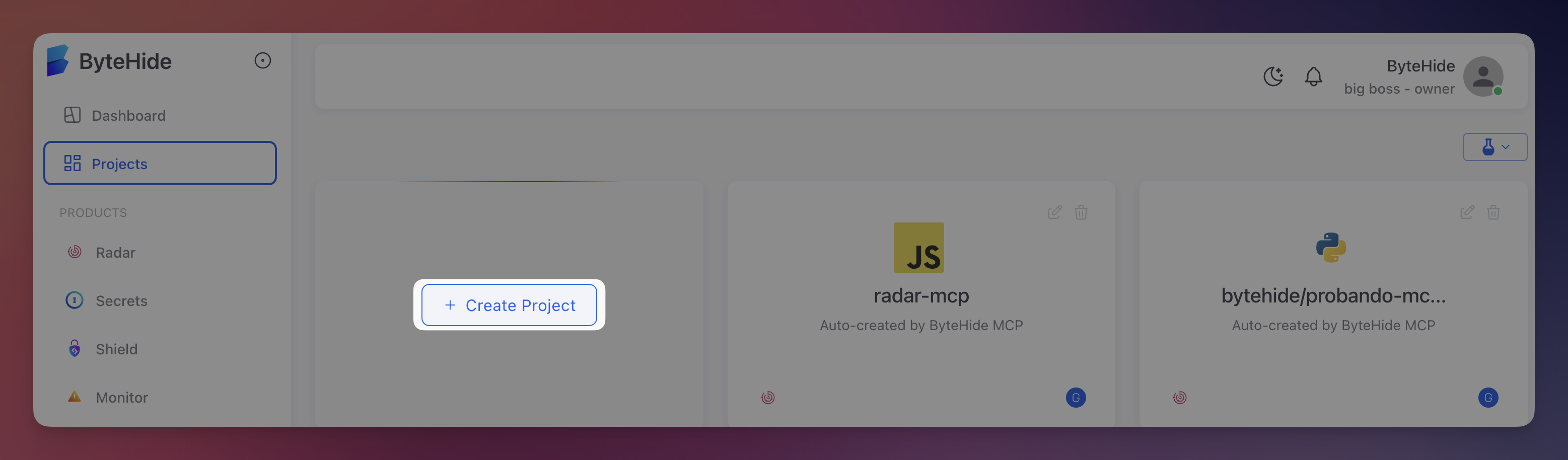 Click to expand
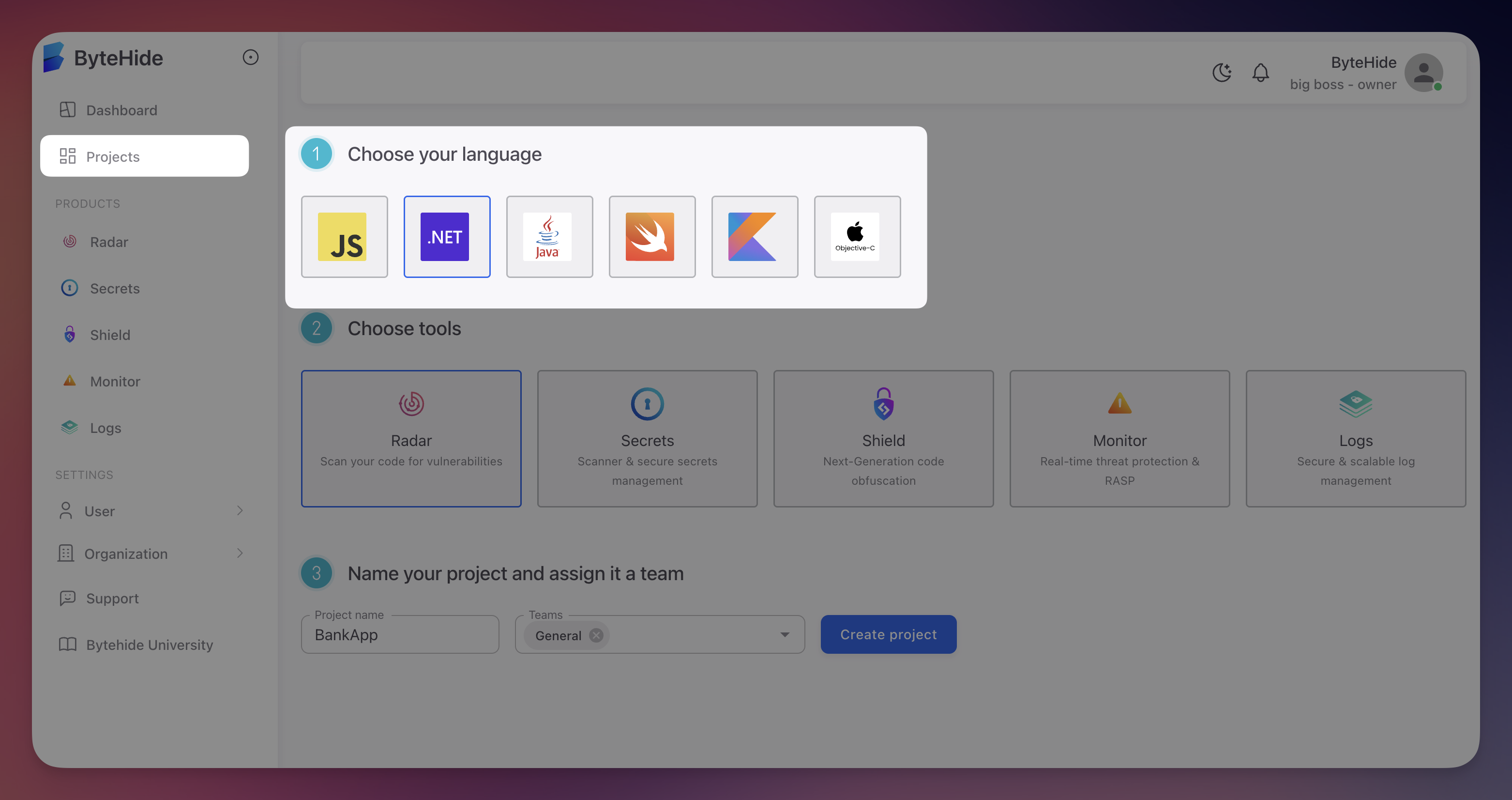
Step 2: Choose Your Language
Select the primary programming language for your project: JavaScript, .NET, Java, Swift, Kotlin, or Objective-C.
 Click to expand
Language and Scanning Scope
The language selection optimizes scanning rules for your project, but Radar analyzes all code in the repository regardless of the selected language. If your repository contains multiple languages, choose the primary one.
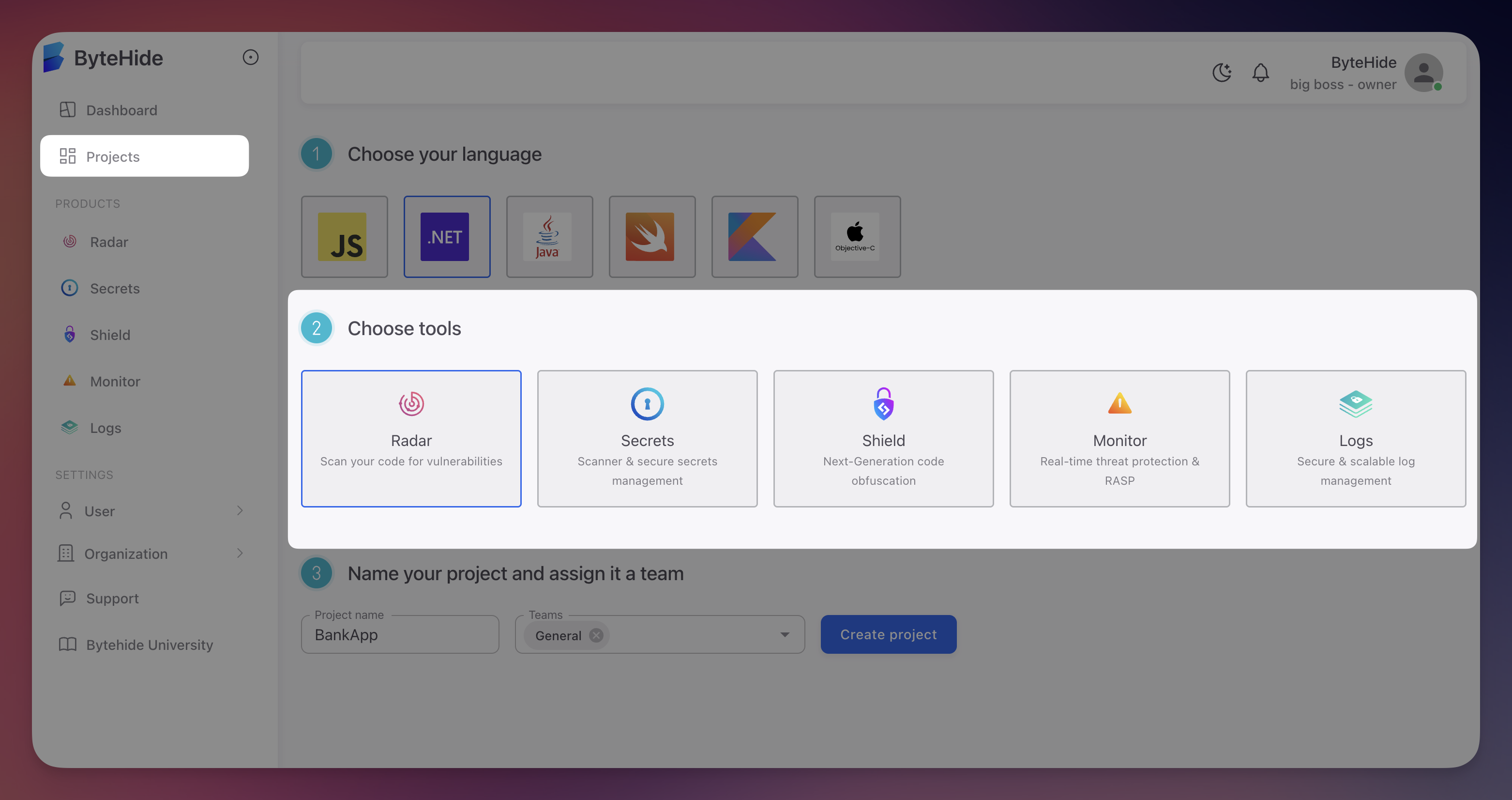
Step 3: Choose Tools
Select Radar to enable vulnerability scanning. You can enable multiple tools for the same project.
 Click to expand
Radar + Secrets
If your codebase contains hardcoded credentials, consider enabling both Radar and Secrets together. Radar detects hardcoded secrets in your code, and Secrets provides a secure vault to store and manage them. Detected secrets can be auto-imported into ByteHide Secrets for rotation and secure distribution.
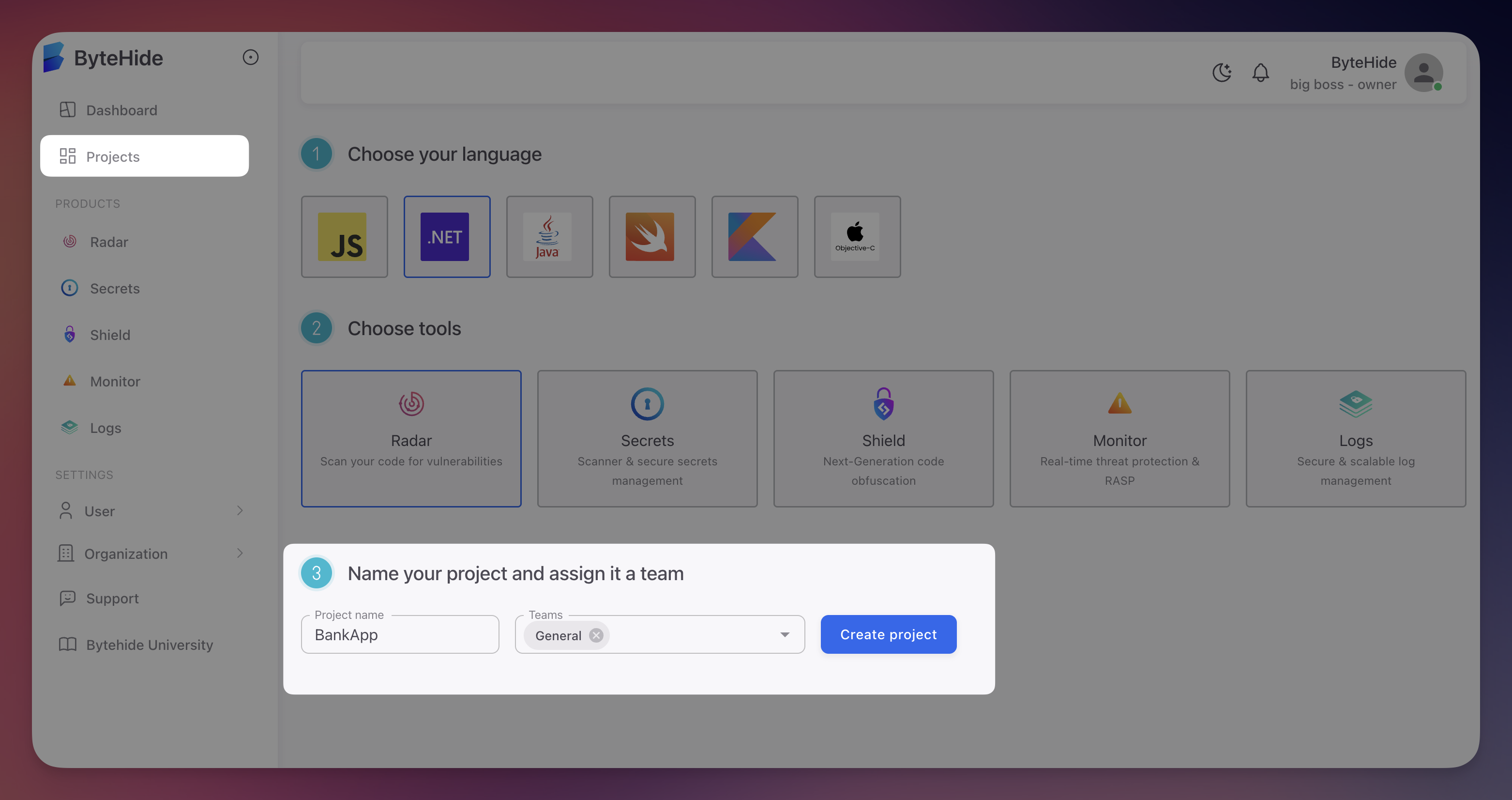
Step 4: Name Your Project and Create
Enter a project name and optionally assign it to a team. Click Create project.
 Click to expand
Step 5: Connect a Repository or Get Your Token
After creation, you have two options:
- Connect a repository directly - Go to Connect Your Repository to link a GitHub repo from the UI and start scanning immediately
- Use the project token - If you want to integrate via CI/CD, IDE, MCP, or API, go to the Settings tab and copy your project token
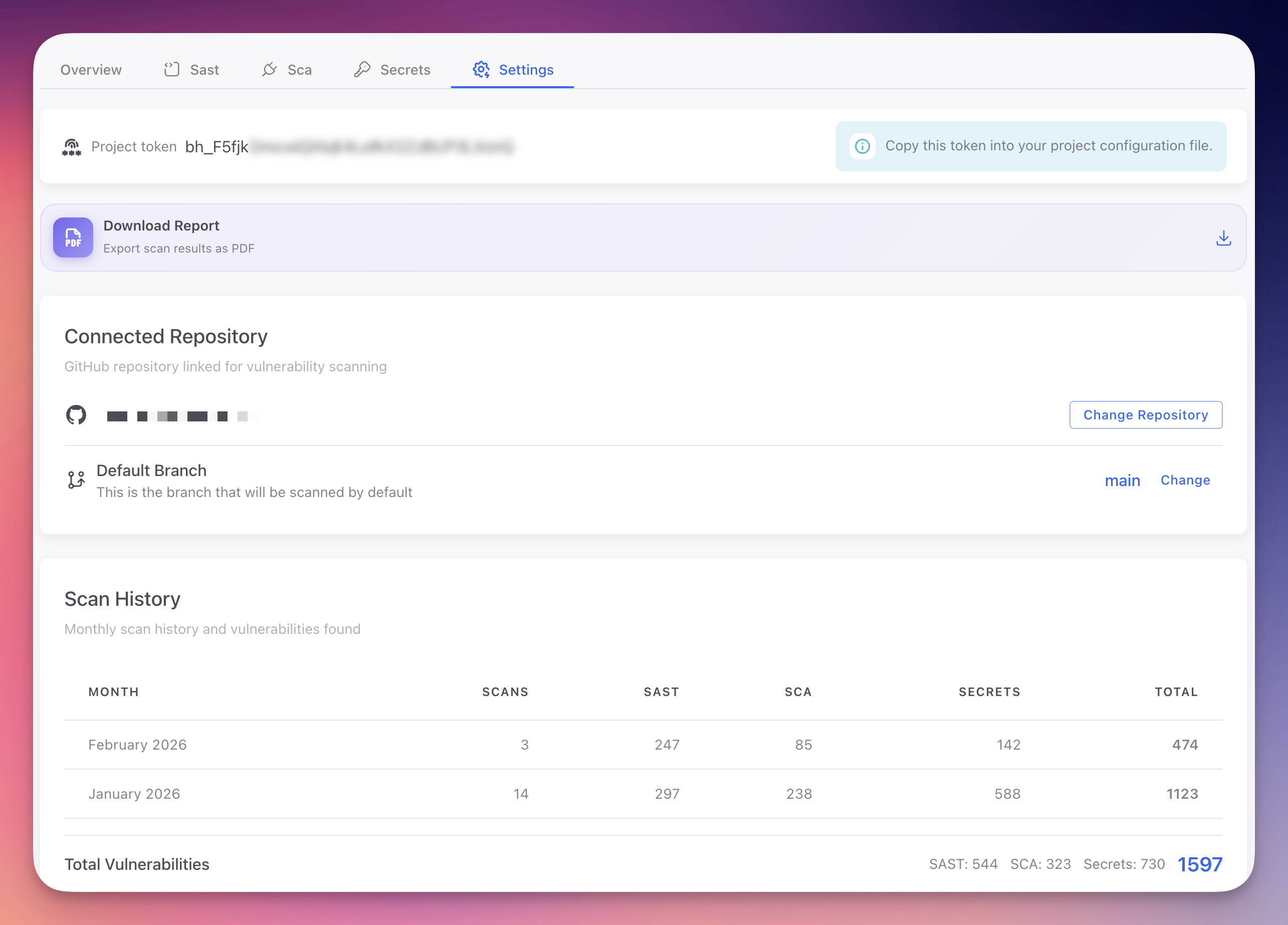 Click to expand
Keep Your Token Secure
Never commit your project token to source control or share it in public channels. If compromised, regenerate it from Project Settings.
Next Steps
Connect Your Repository
Link a GitHub repository and run your first security scan.
Dashboard Overview
Navigate the Radar dashboard and interpret scan results.