Cloud Firewall
Protect your API and web application with multiple firewall layers: bot blocking, threat intelligence feeds, geo-blocking, custom IP blocklists, and user agent filtering.
Cloud Projects Only
This page applies to Cloud / Web / API project types. For Desktop, Mobile, and IoT projects, see On-Premise Firewall.
Firewall Overview
The Cloud Firewall is organized into five protection layers. The first three are managed lists provided by ByteHide. The last two are custom blocklists you define.
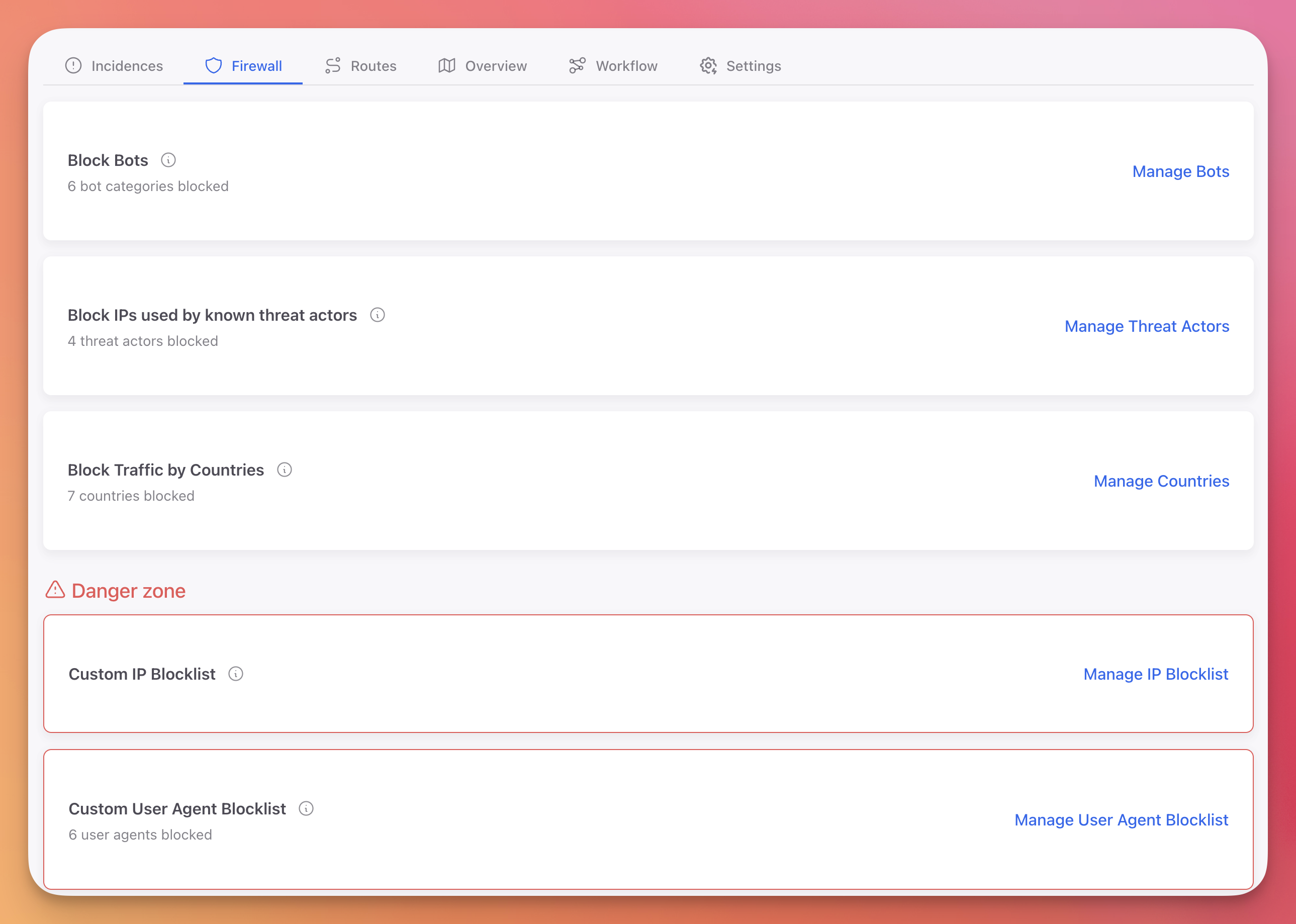 Click to expand
Block Bots
Block known bot user agents across 21 categories. Each category can be toggled individually to Block or Ignore.
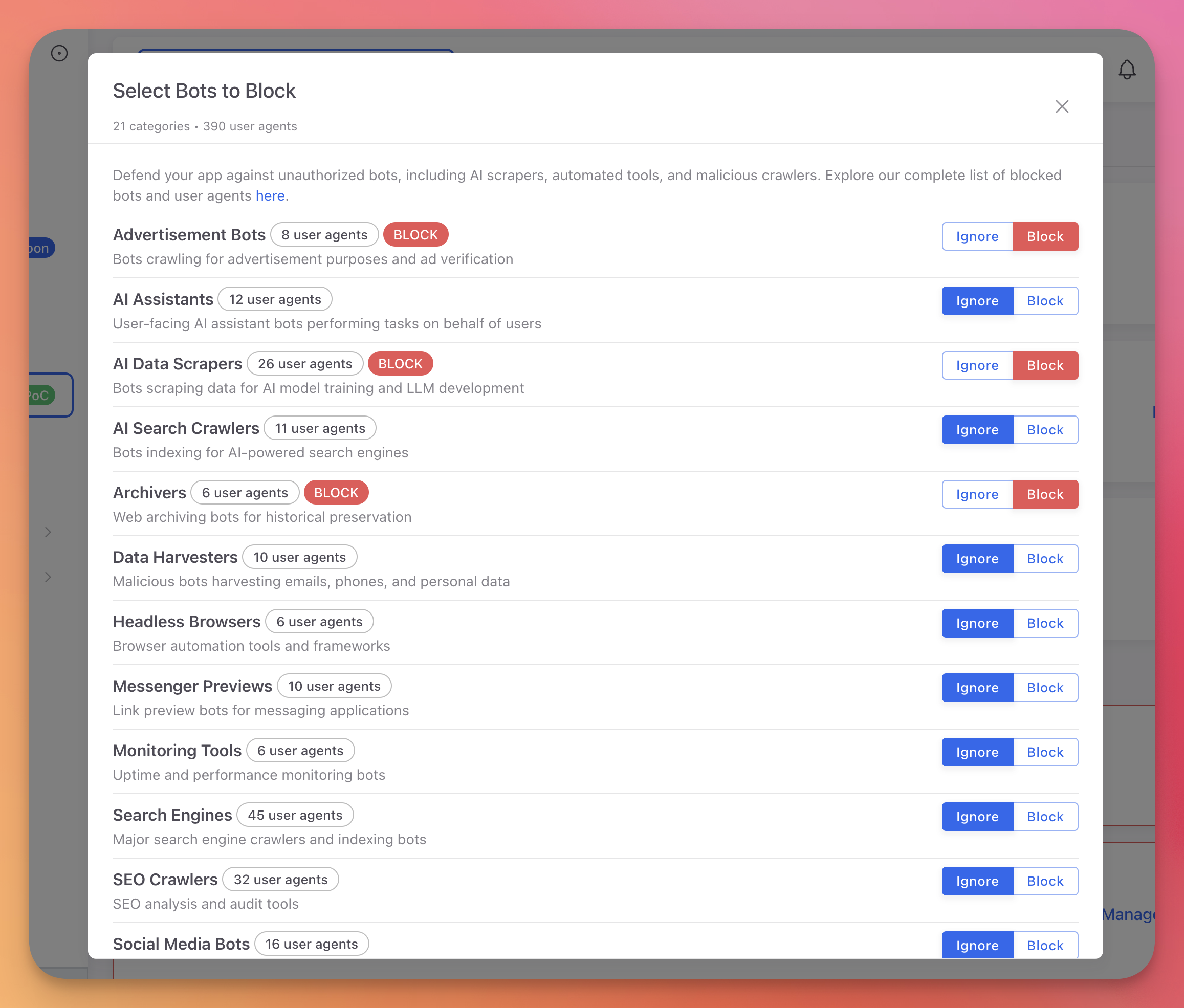 Click to expand
Categories include:
- AI Data Scrapers: AI training crawlers and data collection bots
- Vulnerability Scanners: Automated security scanning tools
- Data Harvesters: Content scraping and data extraction bots
- Search Engines: Google, Bing, Yahoo, and other search engine crawlers
- SEO Crawlers: SEO analysis and monitoring tools
- Social Media Bots: Social platform crawlers and preview generators
- Headless Browsers: Automated browser instances (Puppeteer, Playwright)
- And 14 more categories
Selective Blocking
You probably want to block AI scrapers and vulnerability scanners but allow search engine crawlers. Toggle each category independently based on your needs.
Block Threat Actors
Block IPs from seven threat intelligence feeds maintained by ByteHide. Lists are updated daily at midnight.
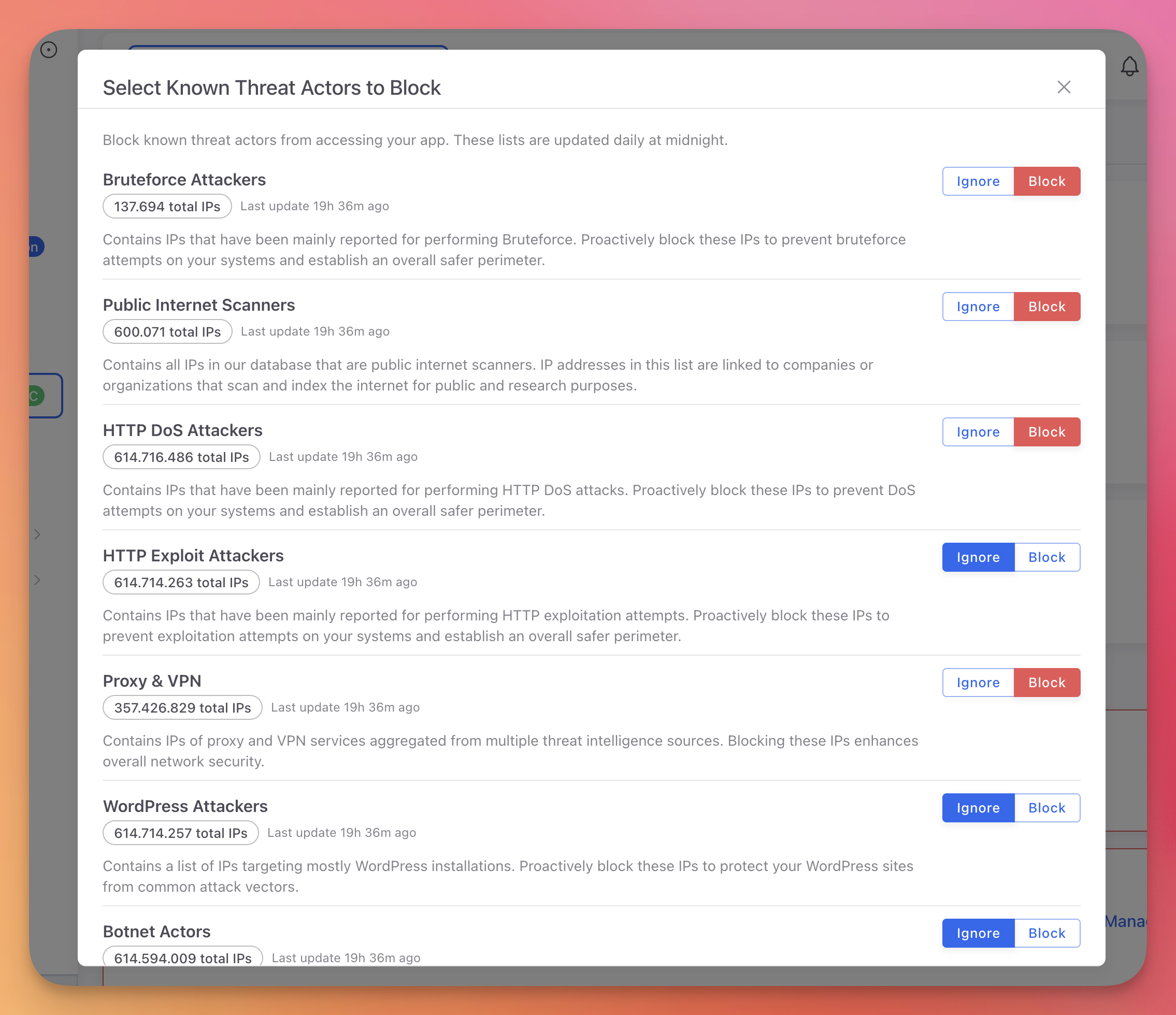 Click to expand
| Feed | Total IPs | Description |
|---|---|---|
| Bruteforce Attackers | 137,694 | IPs observed performing brute force attacks |
| Public Internet Scanners | 600,071 | IPs running mass internet scans |
| HTTP DoS Attackers | 614M+ | IPs involved in HTTP denial of service attacks |
| HTTP Exploit Attackers | 614M+ | IPs attempting HTTP-based exploits |
| Proxy & VPN | 357M+ | Known proxy and VPN exit nodes |
| WordPress Attackers | 614M+ | IPs targeting WordPress vulnerabilities |
| Botnet Actors | 614M+ | IPs participating in botnet activity |
Each feed can be toggled individually to Block or Ignore. Blocking is instant with no performance impact on your application.
Block Countries
Block all traffic from specific countries using geo-blocking. Search and select countries from the list. Each blocked country is shown with its flag.
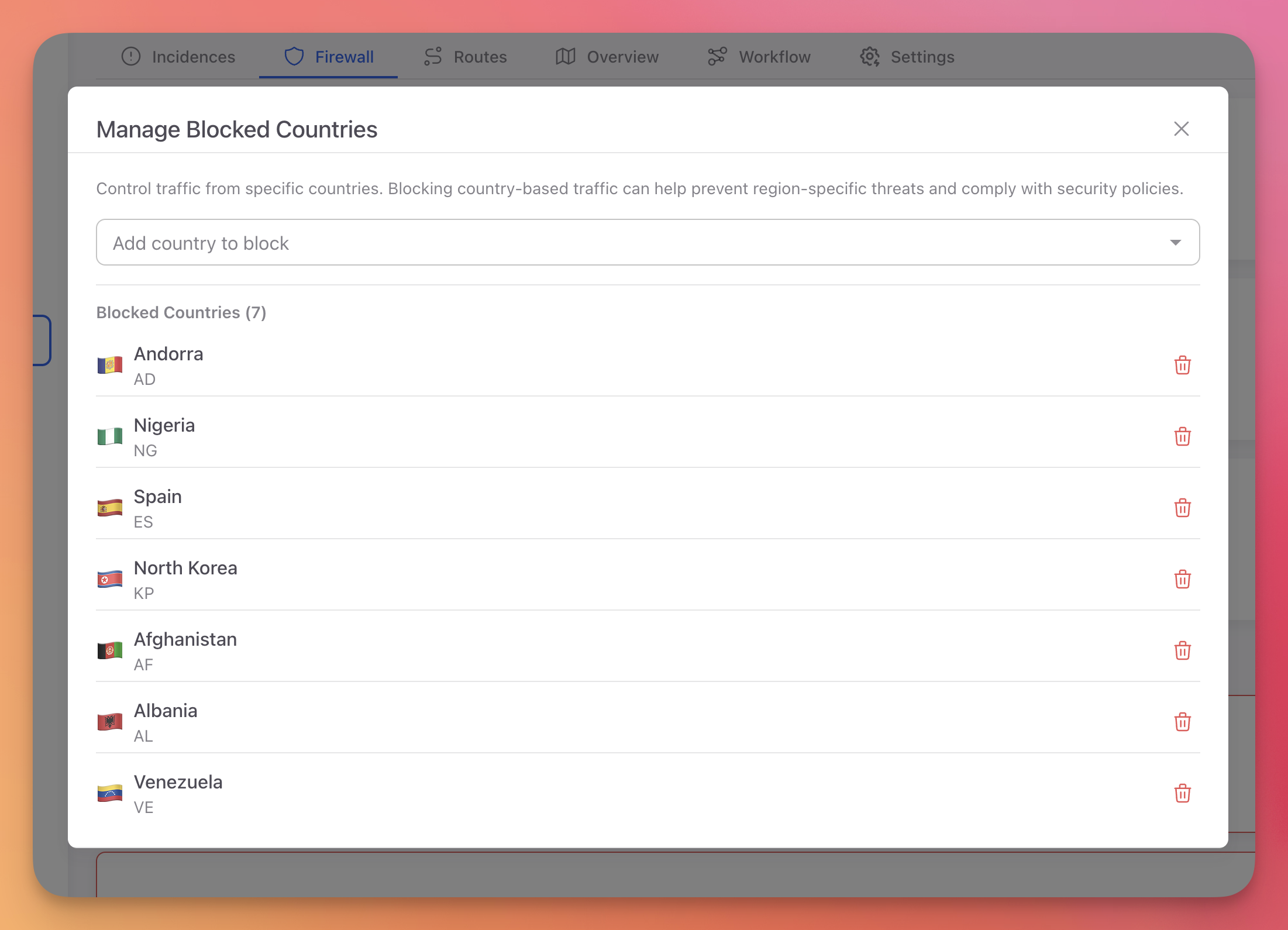 Click to expand
Use cases:
- Comply with regulations that restrict service to certain regions
- Block traffic from countries where you have no users
- Respond to attack campaigns originating from specific regions
Custom IP Blocklist
Block specific IP addresses or CIDR ranges. IPs can be added manually or automatically through Workflow Rules using the Block IP action.
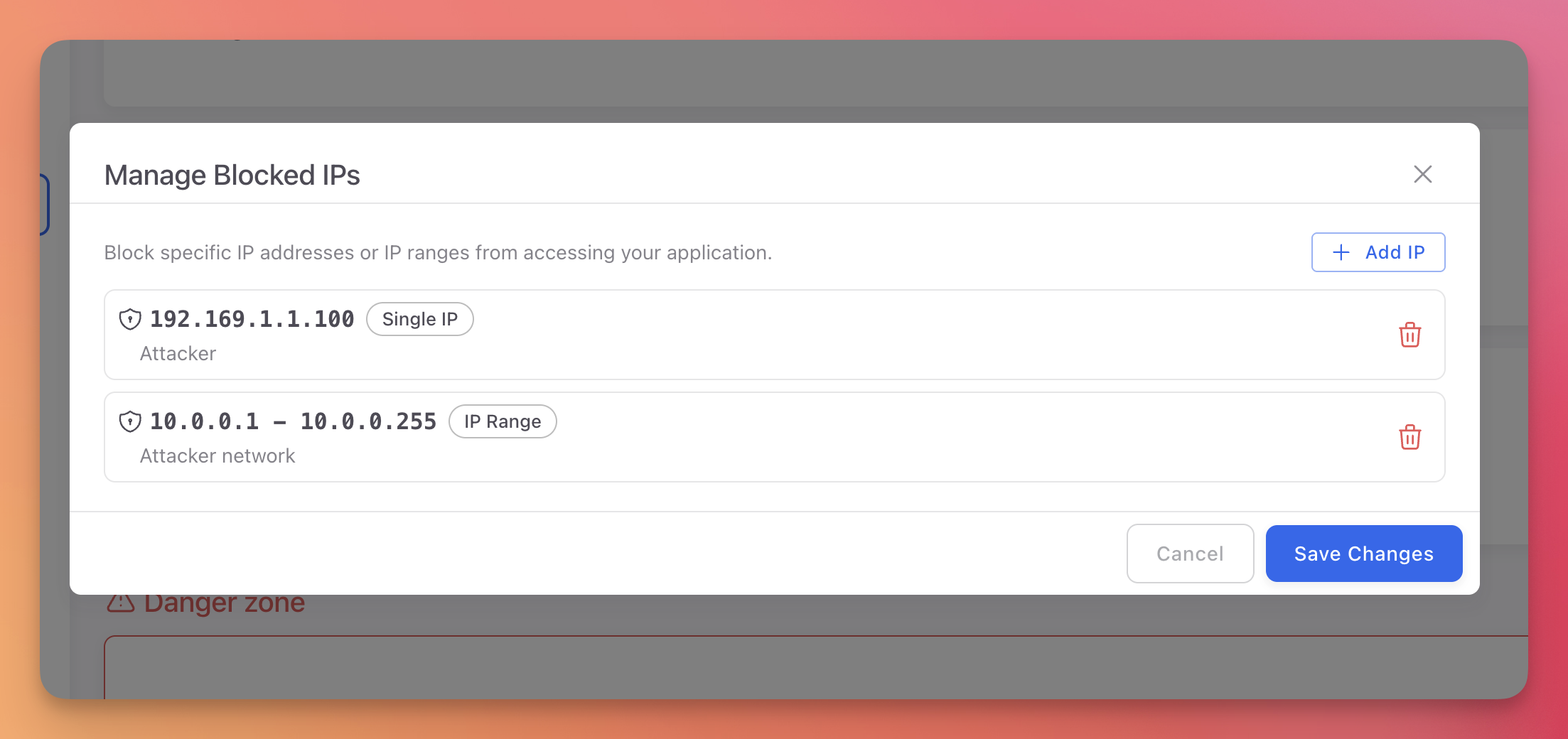 Click to expand
Supported formats:
- Single IP:
192.168.1.100 - CIDR range:
192.168.1.0/24
When a Workflow rule includes the Block IP action, the attacker's IP is automatically added to this list.
Custom User Agent Blocklist
Block traffic matching custom user agent patterns. Patterns support regex for flexible matching.
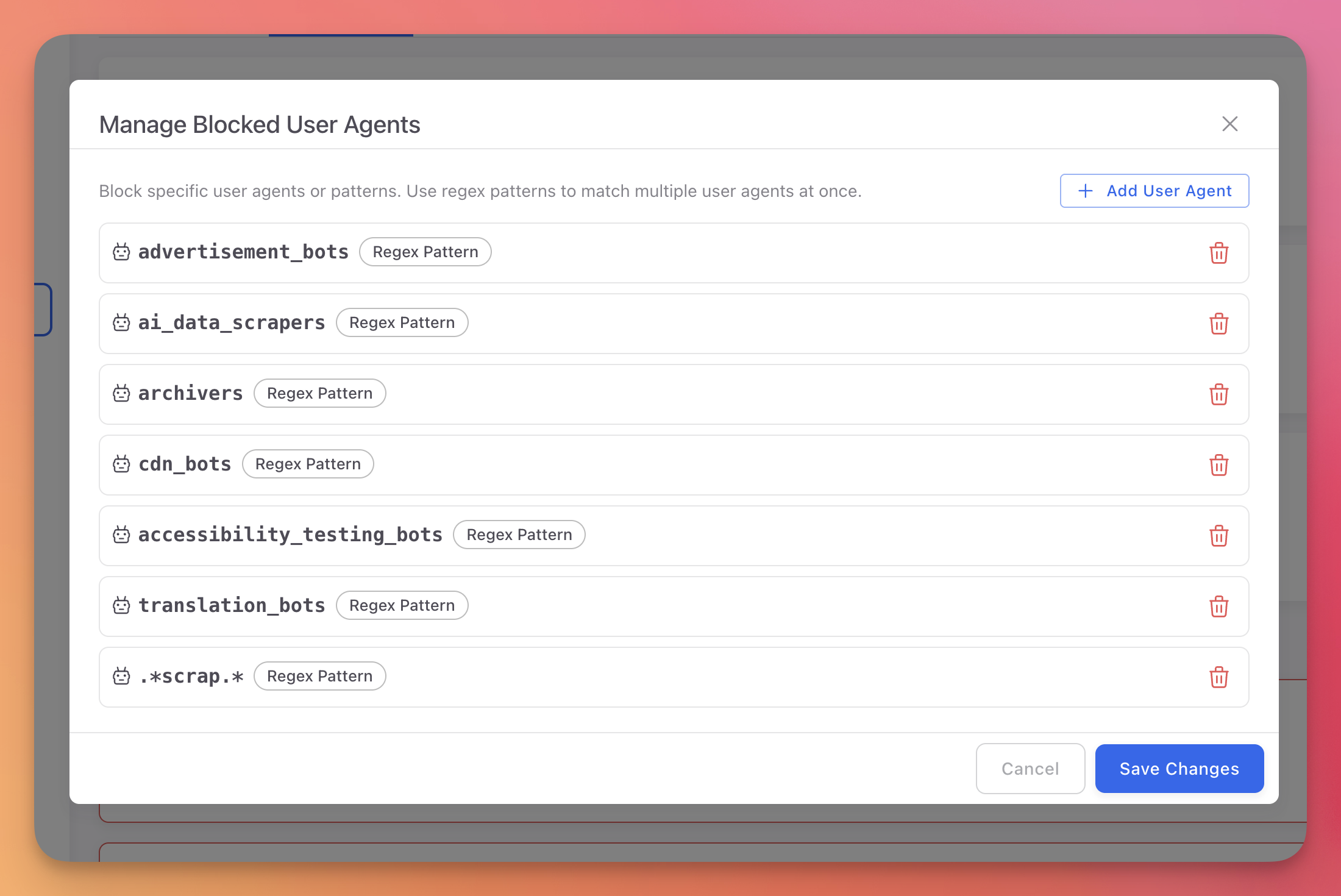 Click to expand
Examples:
bot.*                  # Block anything containing "bot"
curl/.*                # Block curl requests
python-requests/.*     # Block Python requests library
scrapy/.*              # Block Scrapy crawler
bot.* # Block anything containing "bot"
curl/.* # Block curl requests
python-requests/.* # Block Python requests library
scrapy/.* # Block Scrapy crawlerNext Steps
On-Premise Firewall
Device-level blocking for desktop, mobile, and IoT projects
Workflow Rules
Automate IP blocking based on detected threats
Incidences
View incidents from blocked and allowed traffic