Firewall
Block malicious traffic at the network and device level. The Firewall tab provides different capabilities depending on your project type.
Firewall by Project Type
The Firewall tab adapts to your project type:
| Feature | On-Premise / Desktop / Mobile | Cloud / Web / API |
|---|---|---|
| Block devices | Yes (device-level blocklist) | No (use IP/session blocking) |
| Block bots | No | Yes (390+ user agents, 21 categories) |
| Block threat actor IPs | No | Yes (600M+ IPs, 7 intelligence feeds) |
| Block by country | No | Yes (geo-blocking) |
| Custom IP blocklist | No | Yes (single IPs or CIDR ranges) |
| Custom user agent blocklist | No | Yes (regex patterns) |
All firewall changes apply instantly without restarting your application.
On-Premise Firewall
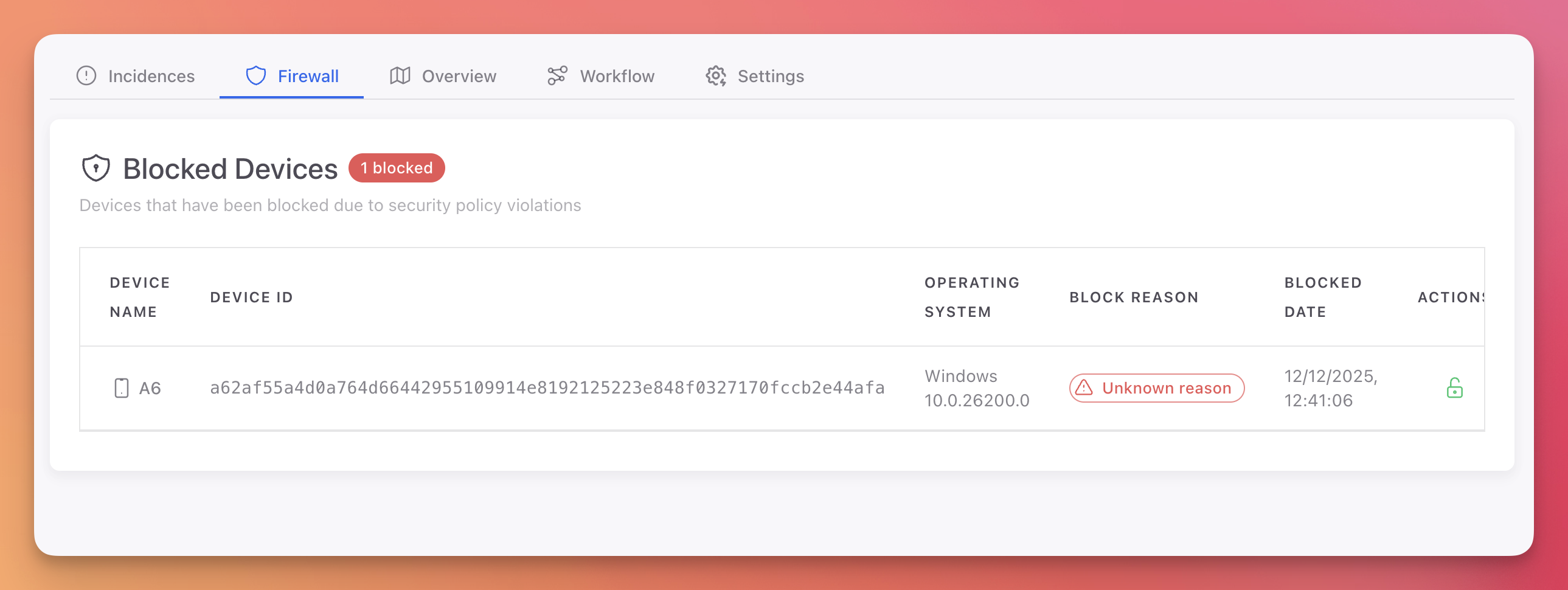
For Desktop, Mobile, and IoT projects, the Firewall tab shows a Blocked Devices list. Devices can be blocked manually from the Device Details page or automatically by Workflow rules.
 Click to expand
| Column | Description |
|---|---|
| Device Name | Name of the blocked device |
| Device ID | Unique device identifier |
| Operating System | OS and version of the device |
| Block Reason | Why the device was blocked |
| Blocked Date | When the device was blocked |
| Actions | Unblock button to remove the device from the blocklist |
Cloud Firewall
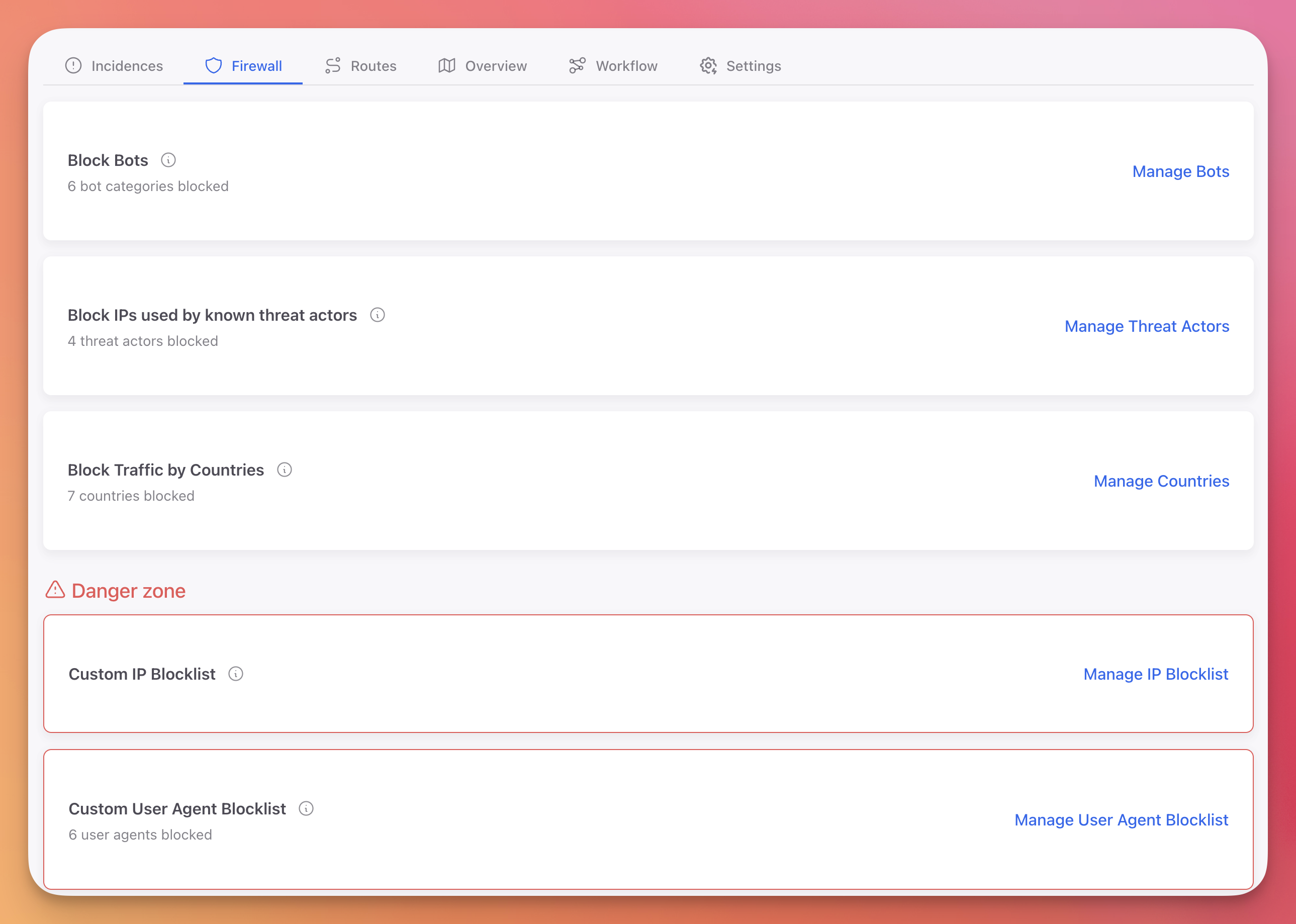
For Web and API projects, the Firewall tab provides multiple protection layers that work together to filter malicious traffic before it reaches your application.
 Click to expand
| Layer | Description | Update Frequency |
|---|---|---|
| Block Bots | Block known bot user agents across 21 categories | Static list |
| Block Threat Actors | Block IPs from 7 threat intelligence feeds (600M+ IPs) | Updated daily at midnight |
| Block Countries | Block all traffic from specific countries | Real-time |
| Custom IP Blocklist | Block specific IP addresses or CIDR ranges | Real-time |
| Custom User Agent Blocklist | Block traffic matching custom user agent patterns | Real-time |
Next Steps
On-Premise Firewall
Device-level blocking for desktop, mobile, and IoT applications
Cloud Firewall
Block bots, threat actors, countries, IPs, and user agents
Workflow Rules
Automate firewall actions based on detected threats